Tutor: Lou McCurdy
Do you have boxes of old photographs and negatives that you’d love to preserve but don’t know where to start? This practical half-day workshop introduces you to accessible and efficient ways of digitising your archive.
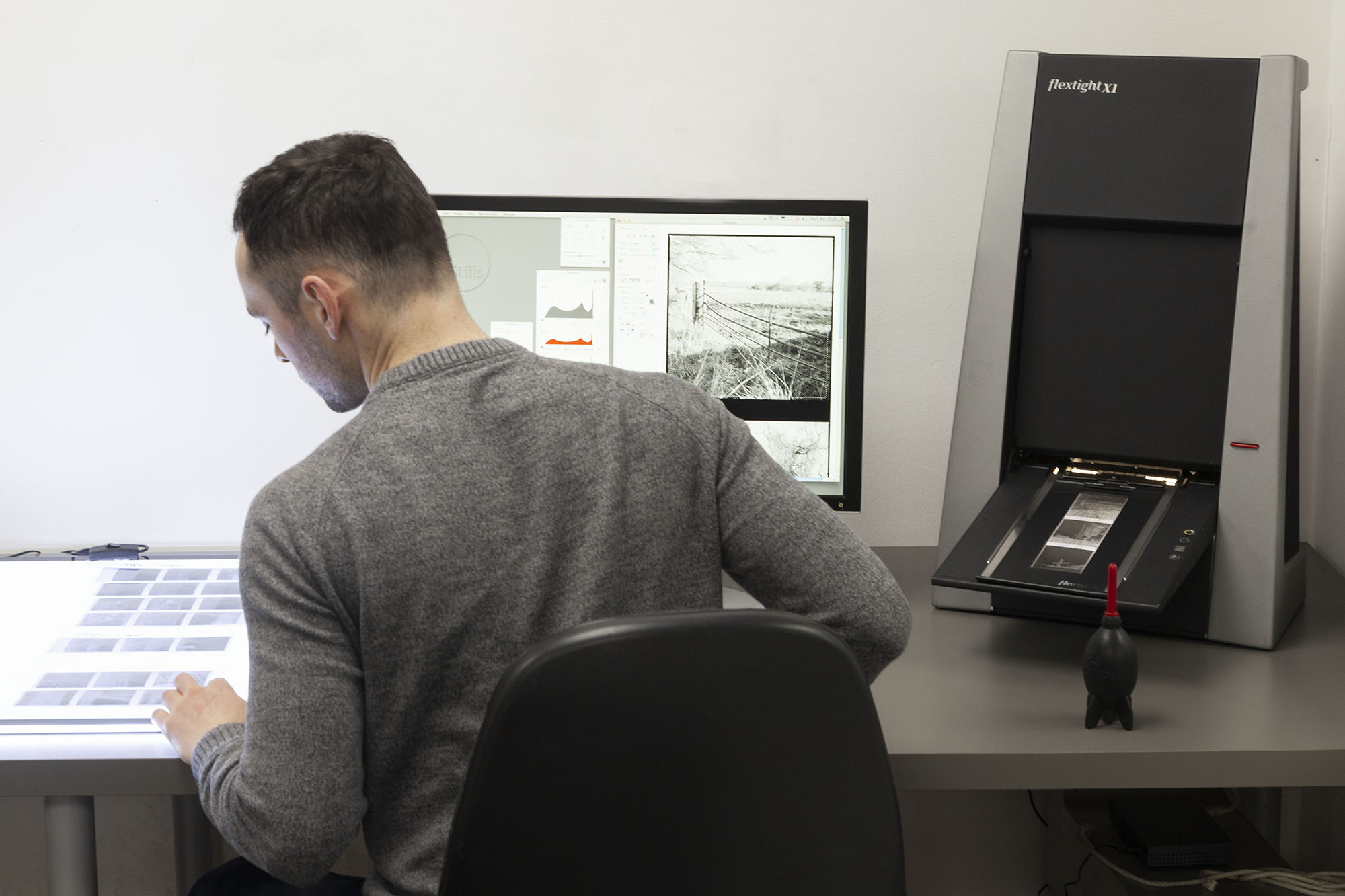
Whether you have albums of printed photographs, collections of photographic negatives or a mixture of both, you’ll learn how to create digital copies of your images using two different approaches: a flatbed scanner for printed photographs and a copy stand for photographing negatives.
We’ll guide you through the process, from setting up the equipment and capturing your images to importing, editing and saving your digital files. You’ll learn how to achieve good, consistent results without getting caught up in complicated technical processes, developing a straightforward workflow that you can repeat at home.
The workshop will cover the basics of scanning printed photographs, including resolution and file formats, alongside a practical demonstration of copy stand digitisation. You’ll also be introduced to software such as Lightroom, Photoshop and Negative Lab Pro to convert negatives into positive images, make basic tonal and colour adjustments, and prepare your photographs for sharing and long-term storage.
The emphasis is on finding a manageable approach to working through larger collections, helping you bring old photographs out of the boxes and preserve the stories they hold.
No previous scanning experience is necessary, although some basic computer familiarity will be helpful. You are welcome to bring along some of your own photographs and negatives to work with during the session.
What we’ll cover
- Introduction to digitising family archives: Exploring different approaches to digitising photographs and negatives and developing an efficient workflow for larger collections.
- Scanning printed photographs: Using a flatbed scanner, understanding resolution, image quality, file formats and how to capture photographs consistently.
- Setting up a copy stand: A practical demonstration of the equipment, including the light source, positioning negatives, adjusting camera height and setting up capture software.
- Capturing negatives: Learning how to photograph negatives quickly and consistently using a copy stand.
- Inverting your images: An introduction to Negative Lab Pro and the process of converting negative images into positive photographs.
- Basic image editing: Using Lightroom or Photoshop to adjust exposure, colour balance, levels and curves to improve your digitised photographs.
- Saving and exporting: Understanding file formats, including TIFFs for further editing and JPEGs for sharing, and how to organise and save your digital archive.
An opportunity to practise
Following the demonstrations, you’ll have the opportunity to try the processes yourself, scanning printed photographs and capturing and editing negatives with guidance from the tutor.
Everyone attending the workshop will also receive a voucher for one full day of free access to the scanners. This gives you the opportunity to return to Stills, put your new skills into practice and spend more time working through your family collection at your own pace.
By the end of the workshop, you’ll have the knowledge and confidence to start digitising your own family archive, with a practical understanding of the equipment, software and techniques needed to preserve your photographs for the future.
Courses are subject to minimum enrolment. Please register early, within five days of the start date, to reduce the likelihood of course cancellation.
Please read our cancellation policy before booking.
Students, anyone over the age of 65, and those in receipt of any form of benefits can claim the concessionary price, offering a 10% discount on the full course price. Valid proof of eligibility must be produced on the first day of the course. Please use the code CONCESSION when prompted at checkout.